
 Claude
 Gaia
GaiaWe build web apps with React. We build mobile apps with React. We even build 3D apps with React. And yet,
we write the same kind of code everywhere: the same useState and useEffect hooks, the same function components,
and the same mental model.
Now this raises an interesting question 🤔: how does the same React code run on such different platforms? A web app uses the DOM, a mobile app uses native views, and a 3D app might use canvas or WebGL. These systems have completely different ways of drawing UI.

I have been using React for years without even understanding what it really is. I knew about React Native for building mobile apps, and there are tons of other React libraries for different platforms, but I never really tried to understand how people were using React across platforms. My curiosity about how it all works was finally satisfied when I understood what React truly is.
For this blog, I just want to shape the mental model of what React is without diving too deep into React internals.
If you are a little curious about how React runs on different platforms, then this blog is for you.
UI as tree
We all know React is a UI library, but let's step back and think what exactly is UI?
You might say it's the visual surface we interact with: buttons, links, colors, images, layouts, icons, and more. It consists of different UI elements.
For the web, we use HTML tags like <div>, <button>, <a>, <img> to create UI elements
<div class="card"><img src="avatar.png" alt="User" /><button>Follow</button></div>
For mobile apps, we have native components like View, Pressable, and Text
<View style={styles.card}><Image source={avatar} /><Pressable onPress={handleFollow}><Text>Follow</Text></Pressable></View>
When working with UI, we always see the same pattern, whether we are building a mobile app, web app, or anything else: the hierarchy between UI elements.
You have button and img inside a div or Image and Pressable inside a View they all form a tree-like structure.
It's fun learning always
Card├─ CardContent│ └─ p└─ CardFooter├─ Avatar├─ UserInfo│ ├─ CardTitle│ └─ CardDescription└─ StarIcon
React does nothing special here. It represents the UI as a tree because that is already how UI exists in reality. Browser DOM nodes form a tree. Native mobile views also form a tree. UI is inherently hierarchical. React is not inventing a new structure, it is simply aligning its internal model with how platforms already work.
React in Two Parts
React can be thought of as two separate pieces:
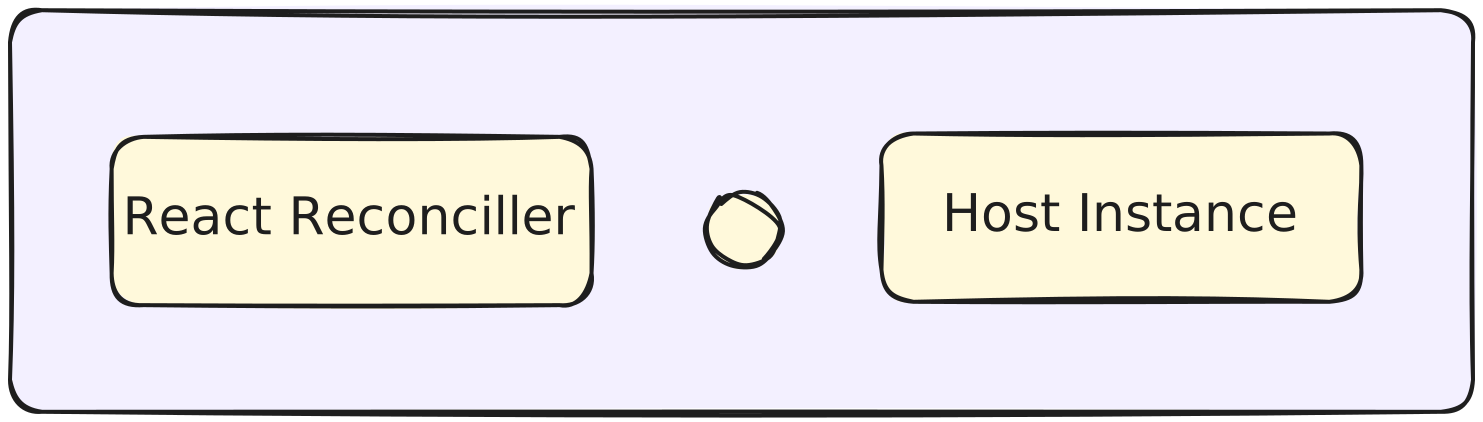
- Reconciler – the part that compares UI trees and decides what needs to change (diffing algorithm)
- Host Instance – the platform-specific renderer (DOM nodes, native views, etc.)
This distinction is crucial for understanding how React works across multiple platforms. React is not just a UI library it’s more like a UI runtime.

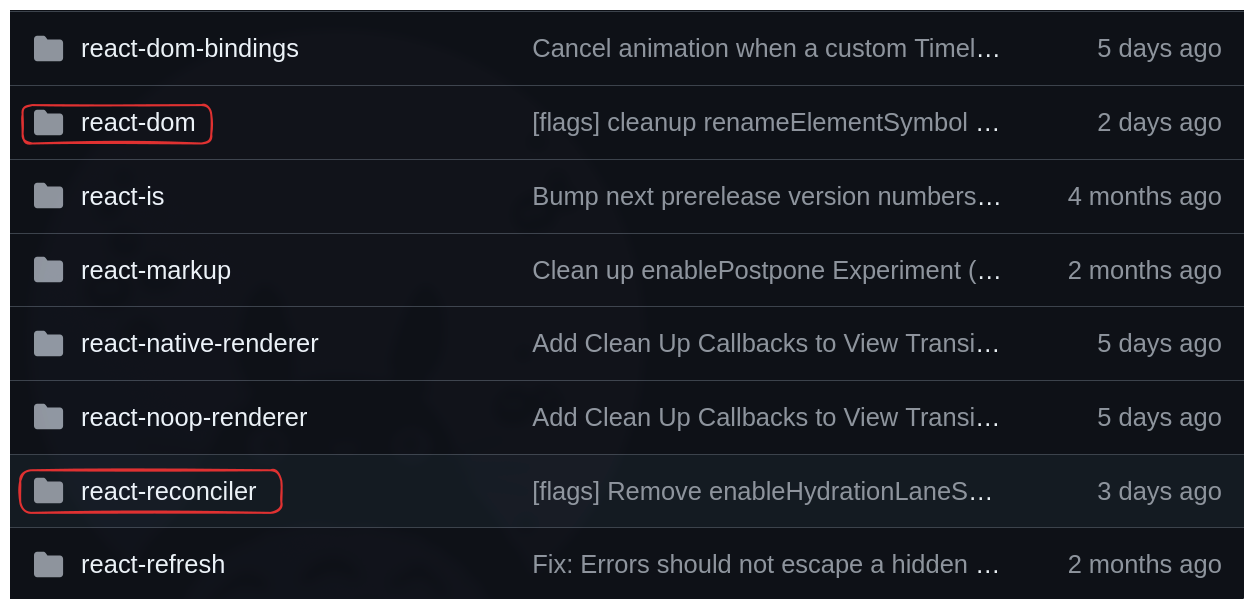
If you check the React source code, you’ll see two separate packages: react-reconciler and react-dom.
These two packages are the ones you use to build your web apps.
react-reconciler
The reconciler handles your props, state, effects, lifecycles, concurrent mode, context, etc. The Reconciler is the brain of React it performs all the necessary calculations and gives the output to the renderer
Let's look at an example
import { useState } from "react";

export default function CounterApp() {
const [count, setCount] = useState(0);
return ( <div className="container"> <div className="counter"> <h3>Counter App</h3> <Text count={count} /> </div> <div className="buttons">
<button
className="decrement"
onClick={() => setCount(count - 1)}
>
Decrement </button>
<button
onClick={() => setCount(count + 1)}
>
Increment </button> </div> </div>
);
}

function Text({ count }) {
return <span className="count">Count: {count}</span>;
}
In this example, we have a Text component and a CounterApp component. We are passing count into the Text component via props.
When this code runs for the first time, the reconciler builds its own internal representation of the UI as a tree. At this stage, React has no knowledge of the DOM or any native view system. It simply takes your JSX components and turns them into a platform-agnostic UI tree.
This tree does not follow the browser DOM structure or any specific native view hierarchy. Instead, it is React’s own generic representation of the UI, designed to be mapped later to whatever platform is rendering it.
For those of you who have some idea of React internals, yes, it's the fiber object
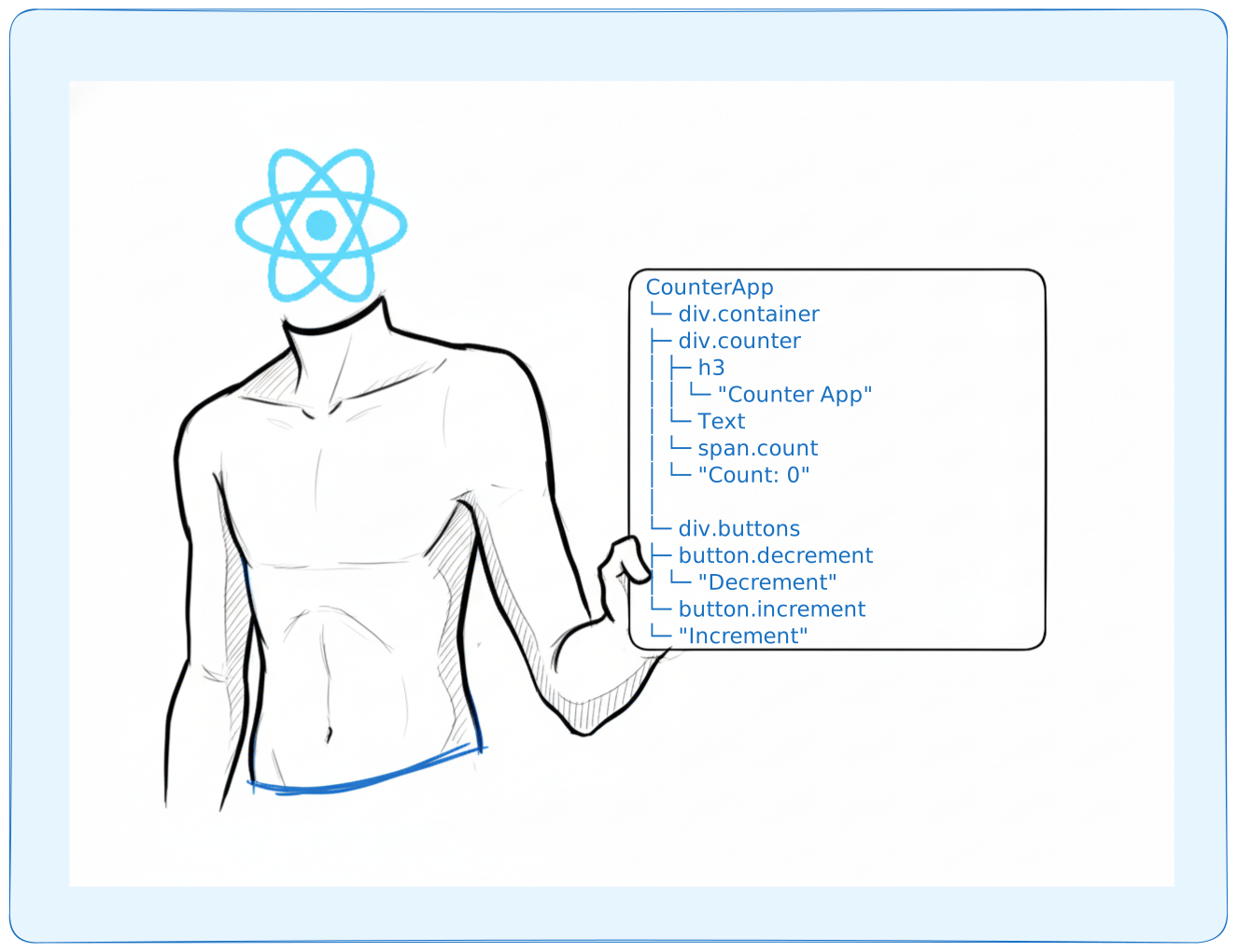
When state updates happen, React continues to work only with this in-memory UI tree. It does not directly touch the DOM while figuring out what changed.

When you click the increment button, you call the setCount function to change the state. What happens here is that
we request the reconciler to re-render our component. Well, you don't directly request the reconciler through your code it's just
how it works internally. All you did was call the setCount function, and that's what triggered the re-render
Now, the reconciler will create a new updated UI tree by re-running your relevant component with the new state value.
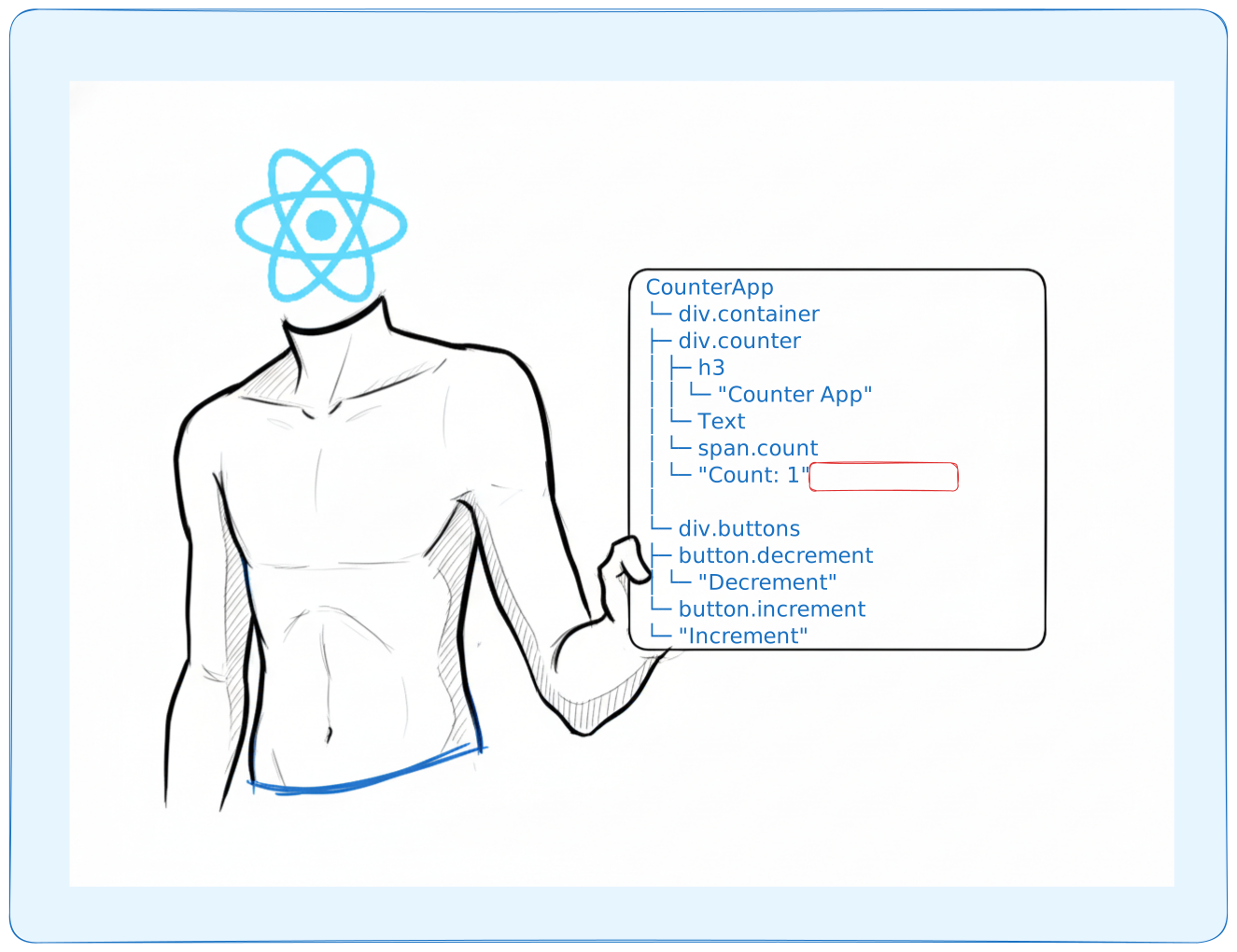
Once the new UI tree is created, it compares the old UI tree with the new UI tree
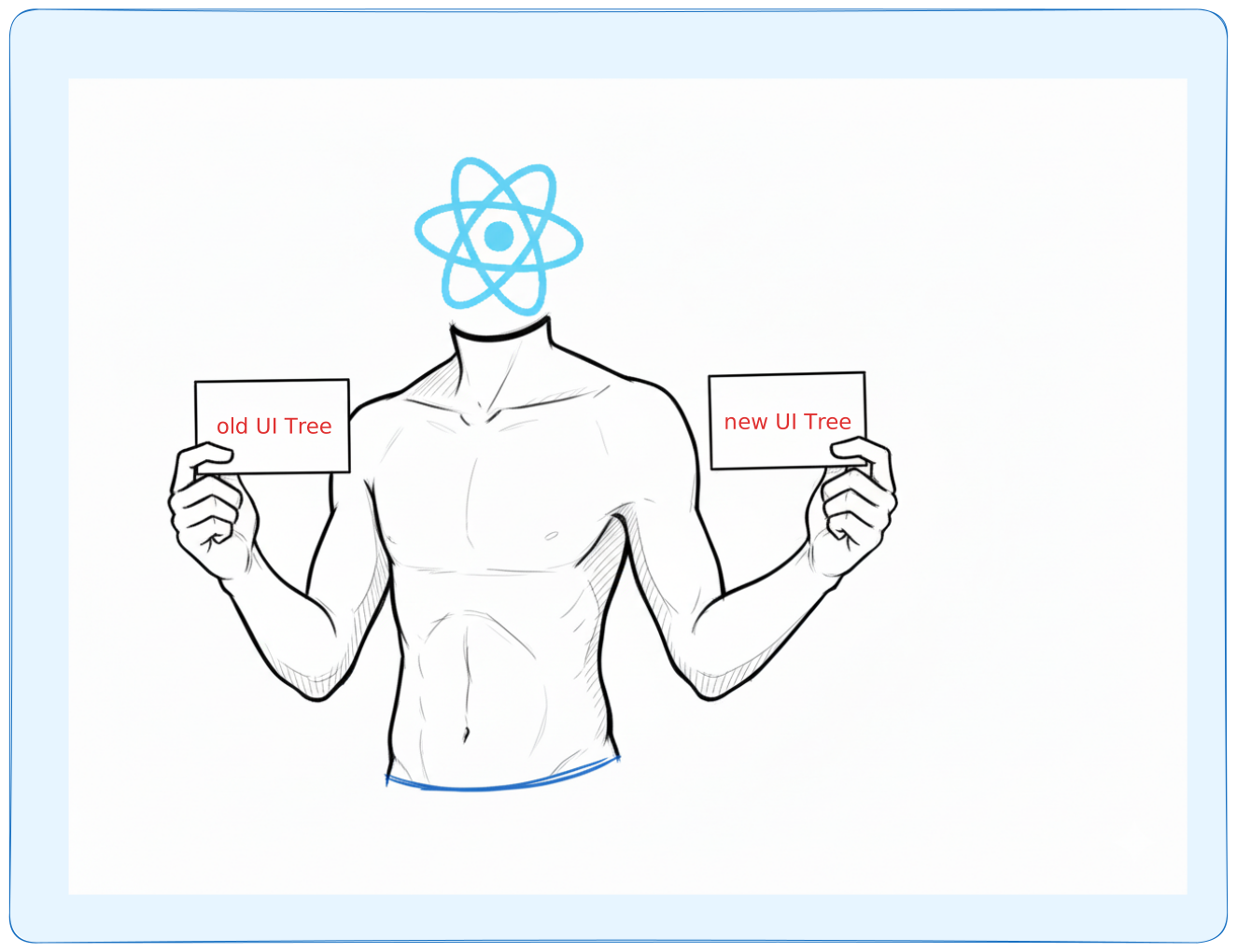
After the comparison, it comes to a conclusion (effects): we have everything the same button, h3, and other components look fine, so we don't need to touch them.
Only the text in the span tag needs an update.
The reconciler just produced a list of effects that need to be applied to the DOM, but it doesn't apply them itself. In fact, it doesn't even know what the DOM is it's just happy with its in- memory UI tree
Why diffing?
Why not just create the new UI from scratch if we have a new UI tree? Because adding elements to the DOM is expensive. Browsers must handle style recalculation, layout (reflow), repaint, and compositing. For complex UIs, creating thousands of elements repeatedly is costly.

The diffing algorithm finds only the minimal part of the UI that needs updating, avoiding unnecessary operations.
react-dom (Host Renderer)
Now that we have the list of effects (the "what to do"), it's the job of the host renderer to take those effects and apply them.
Every UI element can be created, updated, or removed using platform-specific imperative APIs. For example, the DOM uses appendChild, while iOS uses addSubview.
react-dom uses the DOM APIs to work with those effects given by the reconciler. It does the work of updating text, removing elements, or creating elements.
In our example, we simply update the textNode in the span tag
textNode.nodeValue = "1"
The host instance is the actual DOM node (or native view in React Native) that React manages. Depending on the platform, the host instance can be:
- DOM nodes (Web)
- Native views (iOS/Android)
- PDF primitives (React PDF)
- Canvas, WebGL, or anything else
Why this split matters
This separation matters because it lets React focus on one thing at a time. The reconciler decides what changed and what updates are needed, without touching the platform. After that, the host renderer takes those decisions and turns them into real UI updates using platform-specific APIs.
Once you see it this way, it becomes clear why the same component model and hooks like useState and useEffect work everywhere. From React’s perspective, state updates behave the same whether the UI ends up in the DOM, native views, or canvas.
react-ink
react-ink is another React renderer for building terminal apps
import React, {useState, useEffect} from 'react';import {render, Text} from 'ink';const Counter = () => {const [counter, setCounter] = useState(0);useEffect(() => {const timer = setInterval(() => {setCounter(previousCounter => previousCounter + 1);}, 100);return () => {clearInterval(timer);};}, []);return <Text color="green">{counter} tests passed</Text>;};render(<Counter />);

You can use the same power of React, which includes functional components, hooks, JSX syntax, etc., but now the output is not DOM nodes, but rather a terminal UI.
So, the host renderer decides how to draw, and the reconciler provides the optimal answer of what to draw and where to draw 🤯
Conclusion
Just understanding this split and seeing how React can work across different platforms was a eureka moment for me. It helped me realize that render and commit are two phases working together, and now they make sense instead of feeling abstract.
I hope this blog gave you a clearer idea of how React works and something useful to take away. Thanks for reading ❤️
I tried to keep this blog more beginner friendly but if you would like to read more
- react as a ui run time
- understanding your ui as a tree
- building custom react renderer 👇